Why Your Card Works at the ATM but Not at Checkout
Your card can work at an ATM but fail at checkout—here’s why the two payment networks and security rules differ
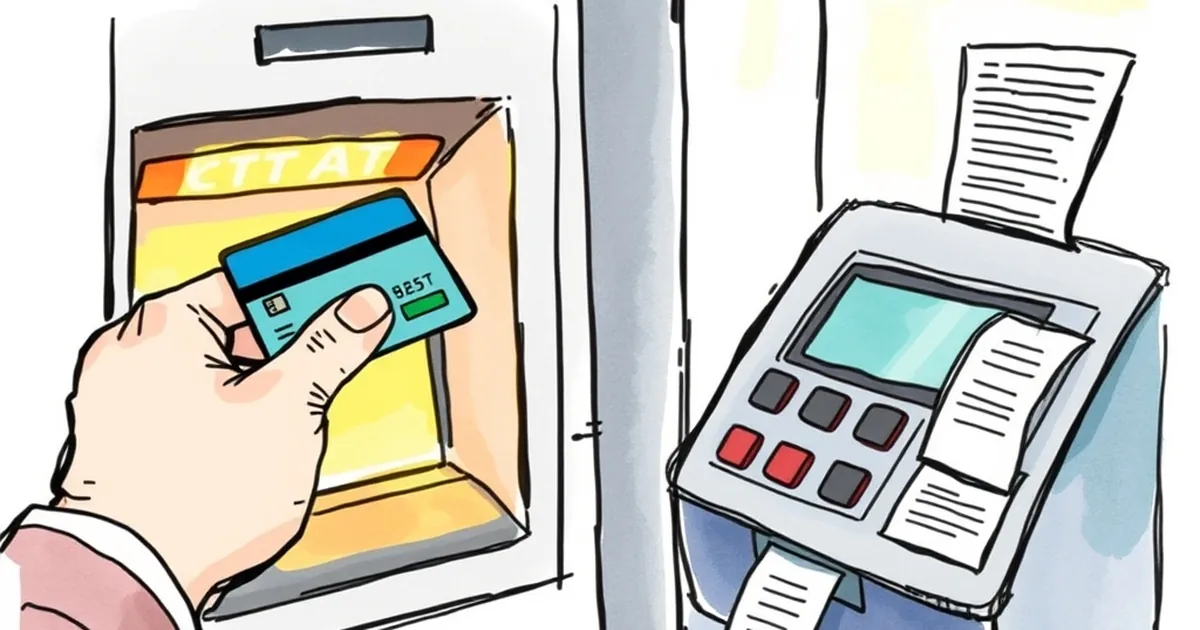
You’re standing in a checkout line, the cashier swipes your card, and the terminal just stares back at you. Declined. You try again, maybe with a chip or a tap, and nothing. Meanwhile, you used that exact same card at an ATM twenty minutes ago and withdrew cash without a hitch. So what gives?
It’s one of the most confusing moments in personal finance, and it’s not random. The difference comes down to two separate payment networks, different security protocols, and a few rules that banks play by that you were never meant to see. Let’s pull back the curtain.
The Two Networks Behind Your Card
The first thing to understand is that your card isn’t one payment system—it’s two. Visa, Mastercard, and other card networks run distinct rails for cash withdrawals versus purchases, and they don’t always behave the same way.
The ATM Network (Cash Withdrawals)
When you use an ATM, your card connects to a network that processes a PIN-based debit transaction. This rail is built for one thing: verifying that you have the funds in your account and handing you physical cash. The bank checks your balance in real time, approves the withdrawal, and the money leaves your account immediately.
Because the ATM network is designed for cash, it’s less sensitive to certain fraud flags. The bank knows you’re physically present at a machine, and the PIN is your primary authentication. If your PIN matches, the transaction usually goes through—unless you’re truly out of funds.
The Card-Not-Present and Point-of-Sale Networks
Checkout is a completely different beast. Whether you swipe, dip, or tap, the transaction runs through the card network’s authorization system, which has layers of fraud detection that don’t exist at the ATM. The terminal sends a request to your bank, but the bank’s algorithm doesn’t just check your balance—it checks your behavior.
That’s where things get interesting. The bank looks at your purchase location, the merchant category, the time of day, the device used, and even how fast you entered your PIN. If any of those variables look unusual, the transaction gets flagged, even if you have plenty of money.
The Real Culprit: Fraud Scoring, Not Your Balance
The most common reason your card works at the ATM but fails at checkout isn’t a lack of funds—it’s a silent fraud score. Banks use machine learning models that assign a risk level to every transaction in milliseconds. A declined card at checkout often means your bank’s model decided the risk was too high.
Here’s a concrete example. A friend of mine, let’s call him Marco, bought a coffee in Lisbon every morning for a year, always at the same café, always at 8:15 AM. One Saturday, he tried to buy a laptop from a store he’d never visited, in a neighborhood across town, at 11 PM. The card was declined instantly. His ATM withdrawal the next morning worked fine. His balance was solid—his behavior was the issue.
The bank saw a new merchant, an odd time, and a high-ticket item, and the algorithm decided it was safer to decline and let Marco confirm the purchase. The ATM didn’t care because a PIN was enough to prove identity.
Velocity and Location Checks
Another factor is velocity—how many transactions you’ve made in a short window. If you’ve made five purchases in the last hour, the sixth might get blocked, even if it’s legitimate. ATMs don’t typically apply velocity checks because the cash withdrawal limit acts as a natural brake.
Location is also a giveaway. If you used your card in your home country at noon and then a transaction request comes in from another country an hour later, the checkout system will decline. An ATM withdrawal in that scenario would also likely fail, but the point is that checkout systems are much more aggressive about location anomalies.
When the Merchant Is the Problem
Sometimes the issue isn’t your bank—it’s the merchant. Not all checkout terminals are created equal, and some are configured poorly.
Terminal Settings and MCC Codes
Every merchant has a Merchant Category Code (MCC) that tells the network what kind of business they are. If a merchant’s terminal is sending the wrong MCC, or if their payment processor has a glitch, your card might get declined because the transaction looks fraudulent to the network, not your bank.
I’ve seen this happen with small online stores that use aggregators like Stripe or PayPal. Their risk engines sometimes block cards that would be perfectly fine elsewhere. The ATM doesn’t care because it’s a direct bank-to-bank request.
Chip vs. Swipe vs. Tap
The authentication method also matters. A chip transaction uses dynamic data that changes with every use, making it harder to copy. A swipe uses static magnetic stripe data, which is easier to skim. Some banks will decline swipes at checkout if they suspect the card’s stripe was cloned, but they’ll happily approve the same card at an ATM because the ATM requires a PIN alongside the stripe data.
Tapping (contactless) has its own quirks. Some banks set lower limits for contactless transactions without a PIN, and if you exceed that limit, the terminal might ask for a PIN, fail, and then decline—even though your card is fine.
What You Can Do Right Now
The good news is that most of these declines are soft declines, meaning they’re temporary and not a sign of a blocked card. Here’s a practical playbook for the next time it happens.
Check Your Bank’s App First
Before you call anyone, open your banking app. Many banks send real-time notifications about declined transactions, including the reason code. You might see something like “Possible fraud” or “Merchant risk.” That tells you exactly which side of the fence the problem sits on.
If the app doesn’t show anything, try the ATM trick: if your card works there, your account is fine, and the issue is merchant-side or network-side.
Use a Different Payment Method
If you’re in a hurry, tap your phone instead. Mobile wallets like Apple Pay and Google Pay use tokenization, which replaces your card number with a unique code for each transaction. That often bypasses the fraud filters that flagged your physical card, because the token looks different to the bank’s system.
Contact Your Bank, Not the Merchant
If the decline persists, call your bank’s fraud department directly. They can see the declined attempts and can whitelist the merchant or adjust your risk profile. Don’t call the merchant—they can’t see your bank’s internal flags, and they’ll just tell you to try again.
The Future of Card Declines
The good news is that this is getting better, not worse. Card networks are moving toward “smart decline” systems that let you approve a flagged transaction with a single tap on your phone, right there in the store. Visa and Mastercard have both rolled out real-time authentication tools that ping your device before a decline becomes final.
In a few years, the experience will likely be less about getting declined and more about getting a prompt: “Did you just buy a laptop in Lisbon?” You’ll tap yes, and the transaction goes through. The ATM-versus-checkout gap will shrink as these systems become more sophisticated.
For now, remember that a decline at checkout isn’t a judgment on your finances—it’s a risk calculation. Your card is a tool, and sometimes the tool’s safety mechanisms are just a bit too cautious. Keep your bank’s app handy, know that the ATM is your fallback diagnostic, and don’t panic. The money is there. The system is just asking a question you didn’t hear.