What Happens When Your Card Payment Gets Declined
Discover why card payments get declined—from security triggers to data errors—and learn how to fix it fast
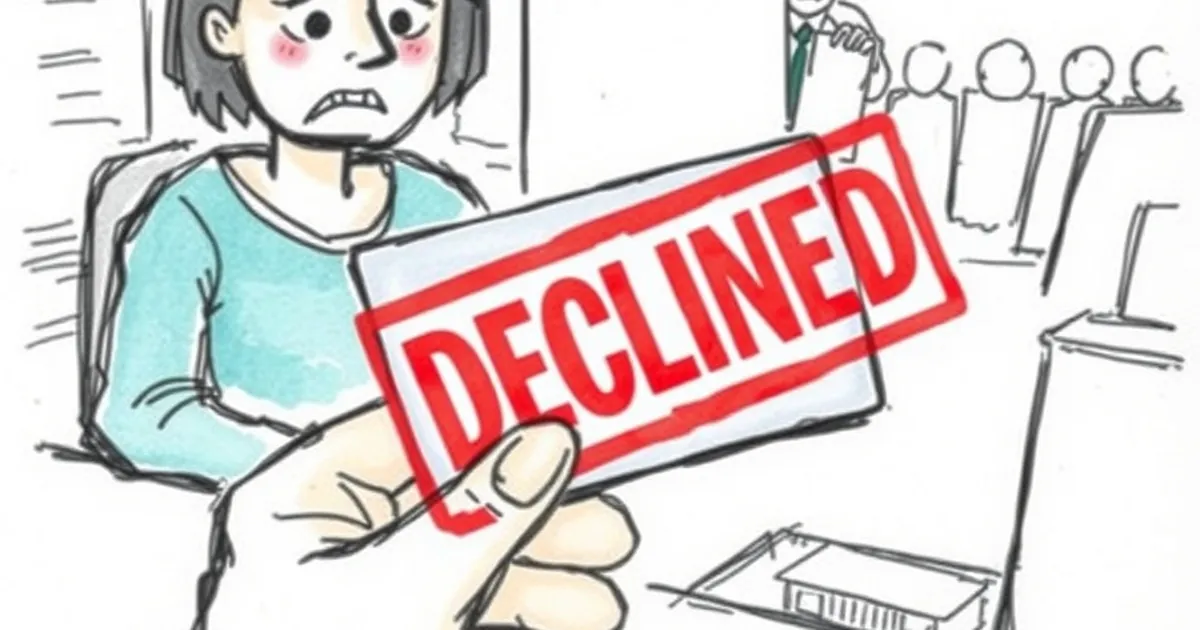
You tap your card, expecting that familiar beep. Instead, you get a red light, a silent terminal, or a confused look from the cashier. A declined payment is awkward, frustrating, and often leaves you wondering: Did I do something wrong, or is the bank just messing with me?
The truth is, a decline is rarely a personal attack. It’s a security feature, a procedural hiccup, or a simple data mismatch. Here’s exactly what happens the moment your card gets rejected—and what you can do about it.
The Instant You Tap: A 2-Second Digital Conversation
When you present your card, you aren’t just asking for money. You are starting a rapid, encrypted dialogue between the terminal, the merchant’s bank (acquirer), the card network (Visa or Mastercard), and your bank (issuer).
The terminal packages your transaction details—amount, merchant ID, card number, and cryptogram—into an authorization request. That message rockets through the network to your bank’s computer system. Your bank’s risk engine checks a dozen variables in milliseconds: available balance, spending patterns, geographic location, and fraud flags.
If everything looks good, the bank sends back an approval code. If something looks off, it sends a decline code. That code is the real story. It tells the terminal why the payment failed, even if the screen just says “Declined.”
The Most Common Reasons (And What They Really Mean)
Insufficient Funds (Code 51)
This is the classic. Your balance is simply lower than the transaction amount. But it’s not always obvious—a pending hotel hold or an Amazon pre-authorization can eat up available credit before you realize it.
What to do: Check your account balance via mobile app before you retry. If you have a credit card, remember that a “hold” counts against your credit limit immediately.
Card Not Activated or Expired
A brand-new card from the mail won’t work until you activate it. An expired card triggers an automatic decline because the network knows the valid date range.
What to do: Activate new cards via the bank’s app or phone line. For expired cards, use the replacement card you received in the mail—or update the saved card details in your digital wallet.
Suspected Fraud (Code 05 – Do Not Honor)
This is the most common “false positive” decline. Your bank’s fraud algorithm saw something unusual—a large purchase in a new city, a rapid series of small transactions, or a transaction from a country you’ve never visited.
The bank doesn’t tell you. It just says “Do not honor.” The merchant has no way to override this.
What to do: Call your bank’s fraud department. They will usually confirm the transaction and lift the block. Always enable transaction alerts so you know immediately.
Incorrect PIN or CVV
For chip-and-PIN cards, entering the wrong PIN three times often locks the card temporarily. For online payments, a mismatched CVV (the three-digit code on the back) triggers an automatic decline.
What to do: For PIN issues, visit an ATM and use the “PIN unlock” option or call your bank. For CVV issues, double-check the code—it’s not the same as your card number or expiration date.
Merchant Category Code (MCC) Blocks
Some cards have built-in restrictions. A corporate card might block gambling or liquor stores. A prepaid card might block recurring subscriptions. The decline happens because the merchant’s category code is on your bank’s “no-go” list.
What to do: Check your card’s terms. If you need to make a restricted purchase, use a different card or contact your bank to request a temporary override.
What Happens to the Money? (Nothing, Usually)
A common fear: Will the money be deducted even though the transaction was declined? The answer is almost always no. The authorization request never completed, so no funds were moved.
However, there is a subtle exception. Some terminals perform a “pre-authorization” that places a temporary hold on the funds before the final authorization. If the hold succeeds but the final authorization fails, you might see a pending transaction for a few days.
A concrete example: I once tried to buy a coffee in London with my US-issued card. The terminal said “Declined.” I checked my app—the £3.50 was shown as “pending.” It disappeared after three business days. That hold was a ghost, not a real charge.
When the Merchant Is the Problem (Not Your Bank)
Sometimes the issue isn’t your card or your bank. It’s the merchant’s payment system.
- Terminal offline: The machine lost its internet connection and can’t reach the network. It will decline everything.
- Acquirer issues: The merchant’s bank (the one that processes their payments) might have a system glitch or a blocked relationship with your card network.
- Wrong terminal settings: A terminal set to “credit” mode might decline a debit card, or vice versa.
What to do: Ask the cashier if they can try a different terminal or process the payment manually. If that fails, use a different payment method (cash, another card, or a digital wallet like Apple Pay).
How to Avoid Future Declines (Your Practical Takeaway)
You can’t control every bank algorithm, but you can dramatically reduce the odds of a decline with a few habits.
Keep your contact info updated. Banks decline transactions when they can’t reach you for fraud verification. If your phone number is old, the fraud alert goes nowhere and the decline sticks.
Use your card regularly. A card that sits unused for six months looks suspicious to the bank’s risk engine. A small weekly purchase keeps your profile active and trusted.
Know your limits. Every card has daily spending caps, ATM withdrawal limits, and geographical restrictions. Check them before you travel or make a large purchase.
Carry a backup. I never leave home with only one card. A second card from a different bank or network (e.g., Visa and Mastercard) gives you a fallback if the first one fails.
Enable push notifications. Real-time alerts let you see a decline the second it happens. You can then call your bank immediately, rather than standing at the register feeling embarrassed.
The next time your card gets declined, don’t panic. You now know it’s just a digital conversation that went sideways—and you have the tools to restart it.